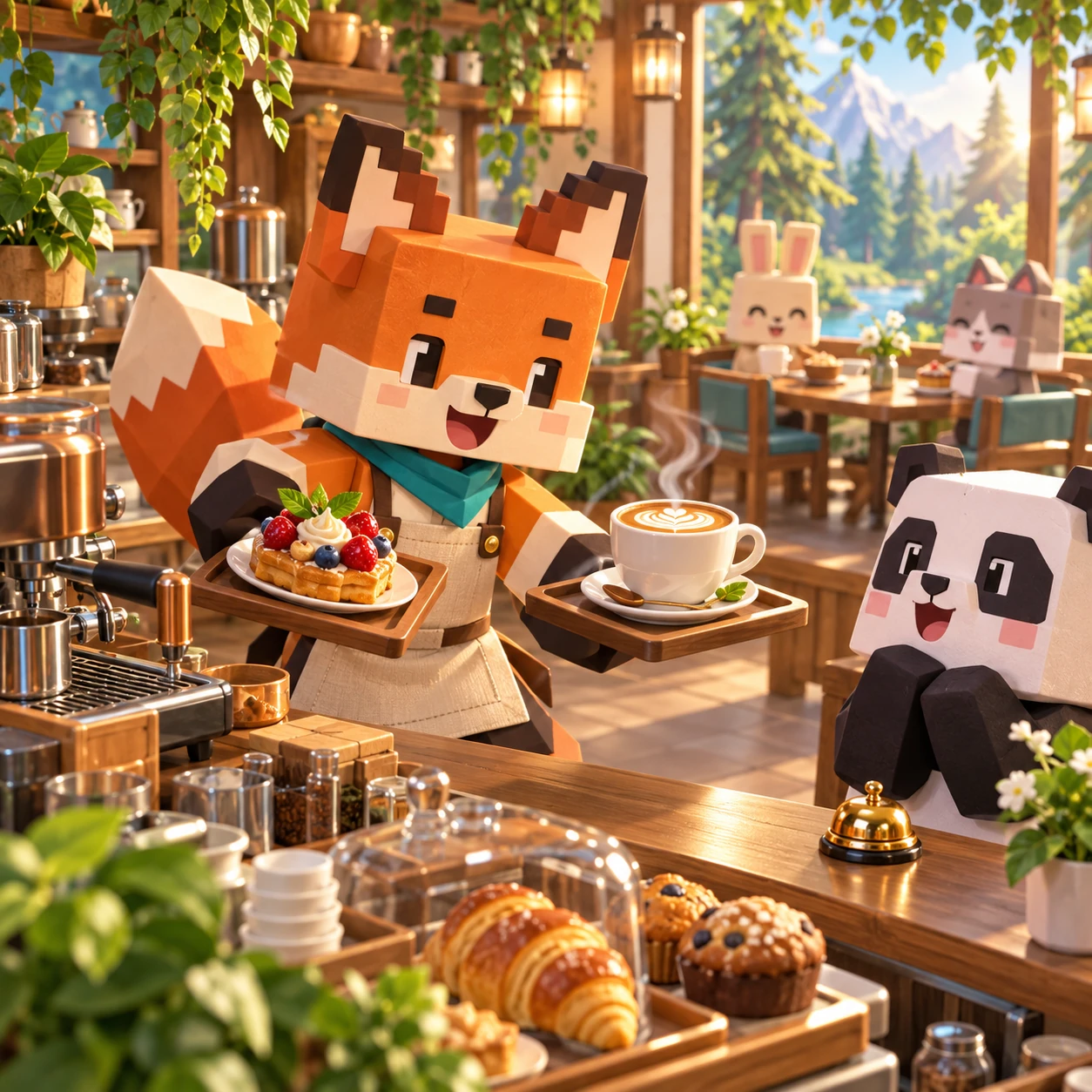
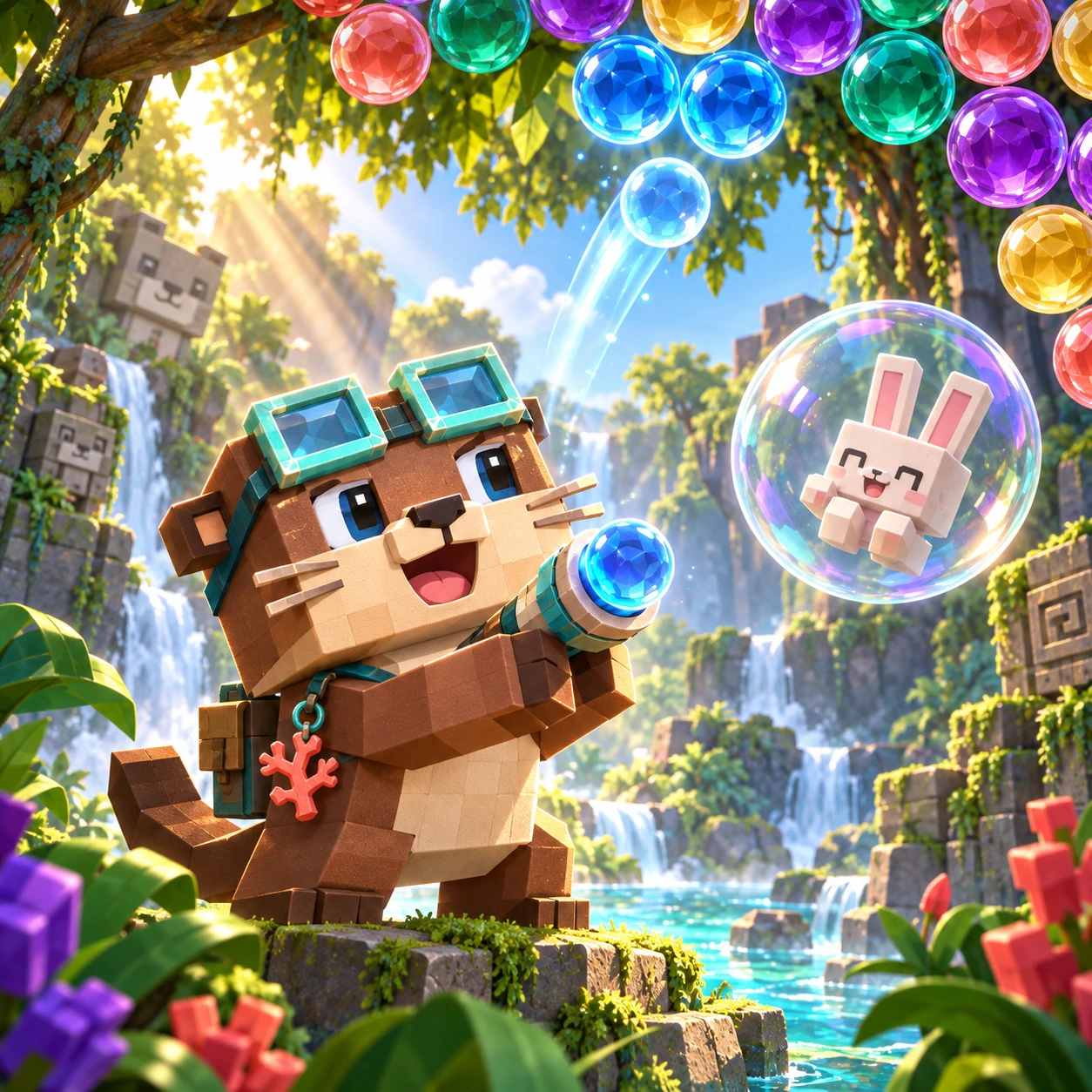
Choose an animal, pick colors, and make it yours.
- Choose
- Pick color
- Tap to color
0/12
Coloring Studio
Color twelve original animal pages with bounded Fill or a free Brush. Undo, redo, and save finished pictures to a gallery on this device.
World and Mission
Twelve animal pictures are ready for your own color choices. There is no target palette or winning color; the gallery keeps the pictures you choose to save.
How the Systems Work
Fill colors one enclosed region at a time. Brush draws inside the artwork with adjustable size; the eraser removes brush strokes.
Undo and redo move through recent edits. Clear restarts the current picture only after confirmation. Saved pictures stay in the gallery stored by this browser.
How to Play
- Choose one of the twelve animal pages.
- Pick a color, then choose Fill or Brush.
- Tap an enclosed region to fill it, or draw a stroke with touch, mouse, or stylus.
- Use Undo, Redo, or Eraser as needed; confirm before clearing, then save your picture to the local gallery.
Strategy Tips
- Fill broad regions before adding small brush details.
- Reduce brush size around narrow outlines.
- Use Undo for a small mistake; Clear restarts the page.
Campaign and Difficulty Growth
All twelve pages are available without locked stages. Choose any picture and return to saved gallery artwork whenever you like.
Developer Design Note
Bounded Fill keeps color inside an enclosed shape, while Brush offers free strokes with adjustable size. Both tools work with touch or pointer input. The gallery is local to this browser; the game has no timer, score, failure state, ranking, login, or upload feature.
Parent Note
This Kids activity is ad-free and needs no account. Pictures saved in the gallery stay on this device and are not uploaded by the game. It is a creative play space, not an art assessment.
FAQ
- How many pictures are included?
- There are twelve original animal pages.
- What is the difference between Fill and Brush?
- Fill colors one enclosed region; Brush draws a free stroke inside the artwork.
- Can I undo or redo an edit?
- Yes. Undo and redo are available for recent changes.
- Does Clear erase the current picture?
- Clear restarts the page after you confirm.
- Where are saved pictures stored?
- In the gallery on this device, in the current browser.
- Does the game upload my drawings?
- No. The game does not upload pictures or require an account.