
Twin Signal Jump
●◆


0%
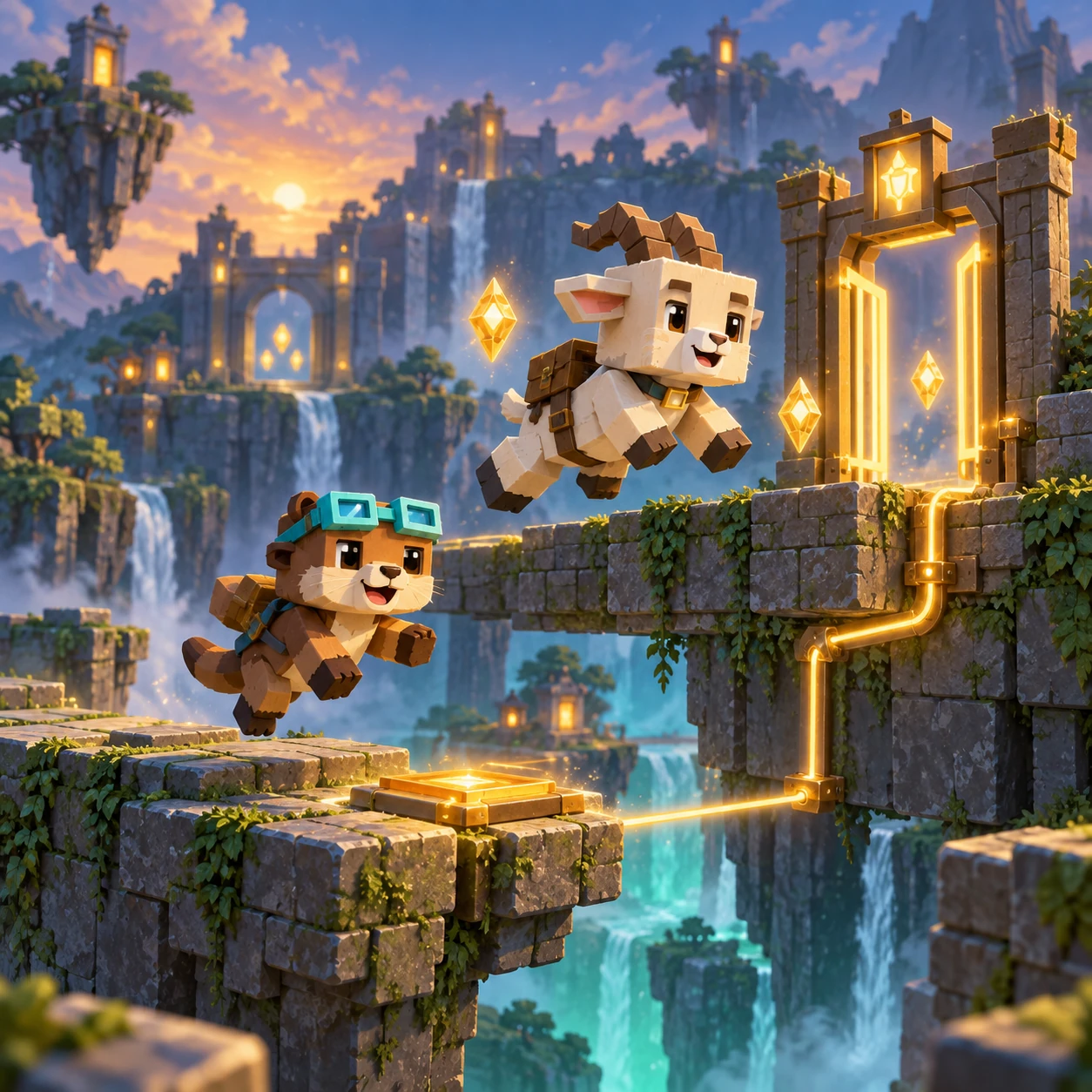
Twin Switchyard is an original synchronized platform puzzle. Guide an otter and a mountain goat through split platform lanes, coordinate their shared moves, collect every shard, activate each switch, and reach their paired lantern exits.
Two route keepers share one signal line: the otter handles the low lane while the mountain goat takes the high lane. Each switchyard asks both travelers to move through the same moment without leaving one behind.
Left/Right or A/D move both couriers. Space, Up, W or Jump makes them jump together.
Collect all three shards and touch every switch, then bring both couriers to their exits. Touching a red hazard ends the attempt; Retry starts the same stage.
Thirty stages form six groups of five. Clearing a stage unlocks the next; Stage 30 completes the campaign.
Twin Switchyard keeps one logical play space across phone, landscape, and desktop. Its shared movement, lane-specific hazards, touch buttons, mouse activation, and keyboard controls resolve to the same state, while Main, Stage, Battle, and Result remain separate screens with direct returns. The complete interface uses one centered logical layout with a 920-pixel maximum. Phone, landscape, and desktop views scale the same controls, hit areas, artwork, and game coordinates together instead of stretching individual pieces. Touch, mouse, and keyboard therefore act on the same legal state. The Main poster and Start Game action remain separate from Stage management, while Stage selection, Battle, dialogs, and Result keep their own bounded content and return path.
Equipment offers permanent Aurora signal trim for 5 shared in-game diamonds. Classic is free. The cosmetic never changes movement, difficulty or rewards. Progress, best move counts and owned equipment save in this browser. Clearing site data removes the save; progress does not transfer between devices. You can play without creating an account. Progress is saved in local browser storage on the current browser profile, not in an online account or cross-device database. Clearing site data, using private browsing, changing browsers, or moving to another device can create a separate save or remove the existing one. Language, sound, and reduced-motion preferences follow the shared WeightPlay controls when the browser permits storage. No guide result is a medical, school, or professional assessment.