
Twin Signal Jump
●◆


0%
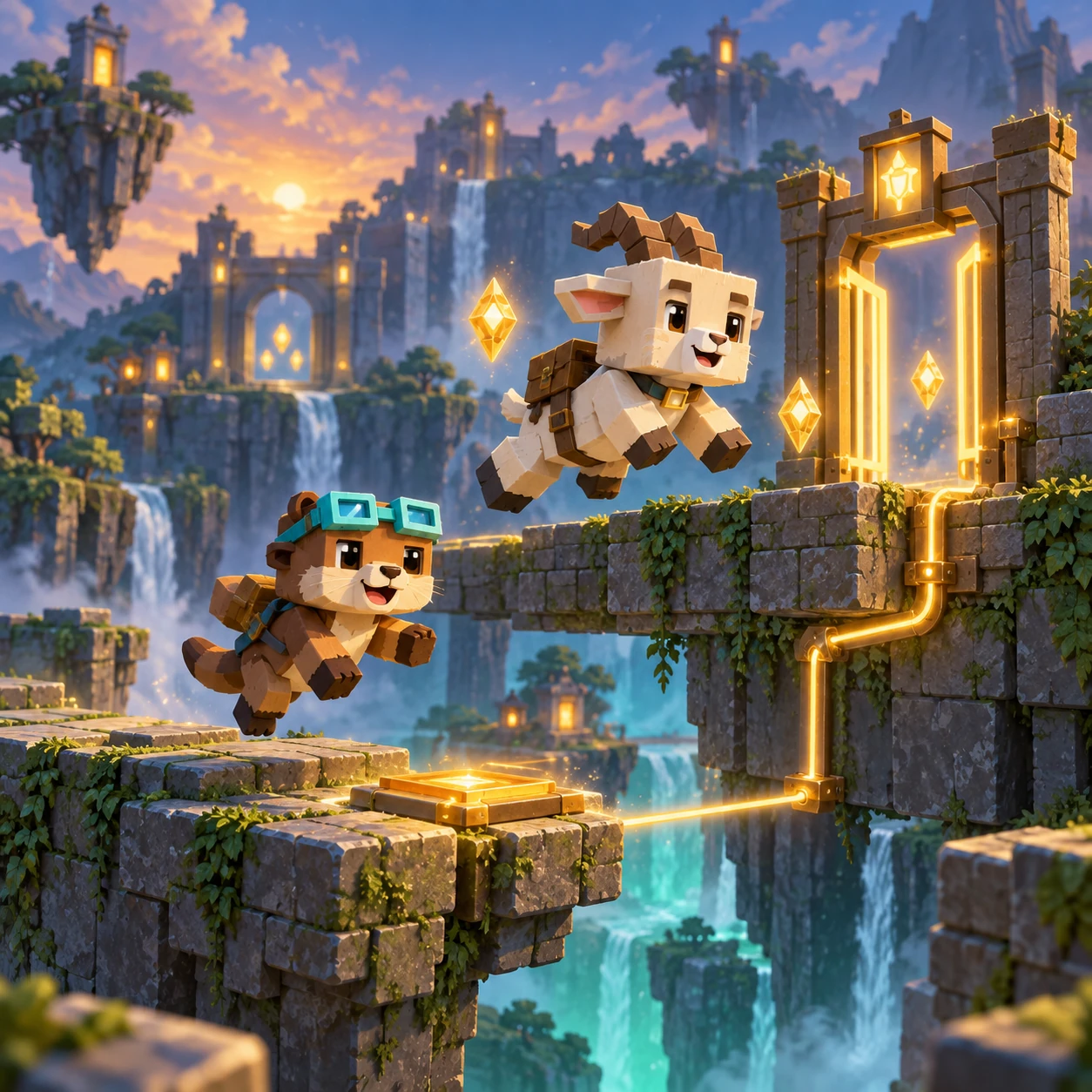
Twin Switchyard is an original synchronized platform puzzle. Guide an otter and a mountain goat through split platform lanes, coordinate their shared moves, collect every shard, activate each switch, and reach their paired lantern exits.
Two route keepers share one signal line: the otter handles the low lane while the mountain goat takes the high lane. Each switchyard asks both travelers to move through the same moment without leaving one behind.
左右键或 A/D 同时移动两位旅者;空格键、上方向键、W 或“跳跃”让两人一起跳。
收集全部三片光片并触发所有开关,再带两位旅者抵达出口。碰到红色障碍会结束本次尝试;重试会重新开始同一关。
30 关分为六组,每组五关。过关会解锁下一关;第 30 关是最后一关。
Twin Switchyard keeps one logical play space across phone, landscape, and desktop. Its shared movement, lane-specific hazards, touch buttons, mouse activation, and keyboard controls resolve to the same state, while Main, Stage, Battle, and Result remain separate screens with direct returns. The complete interface uses one centered logical layout with a 920-pixel maximum. Phone, landscape, and desktop views scale the same controls, hit areas, artwork, and game coordinates together instead of stretching individual pieces. Touch, mouse, and keyboard therefore act on the same legal state. The Main poster and Start Game action remain separate from Stage management, while Stage selection, Battle, dialogs, and Result keep their own bounded content and return path.
装备页可用 5 颗共用游戏钻石购买永久极光信号饰件,经典外观免费。造型不会改变移动、难度或奖励。 进度、最佳步数和已购装备保存在当前浏览器;清除网站数据会移除存档,也不会自动跨设备同步。