動物塗色工作室

Choose an animal, pick colors, and make it yours.

  1. Choose
  2. Pick color
  3. Tap to color

A calm creative studio

Tap a region to fill it or use the brush. Your gallery stays on this device.

WeightPlay 兒童遊戲指南

動物塗色工作室

《動物塗色工作室》提供十二張原創動物圖畫。選擇喜歡的頁面與顏色,使用區域填色或自由畫筆慢慢完成作品,沒有倒數計時,也不需要追求分數。

玩法填色與畫筆創作
類型Creative · Art · Animal
難度Relaxed
預估遊玩時間Open-ended
練習能力顏色辨識 · 專注 · 手眼協調

世界與任務

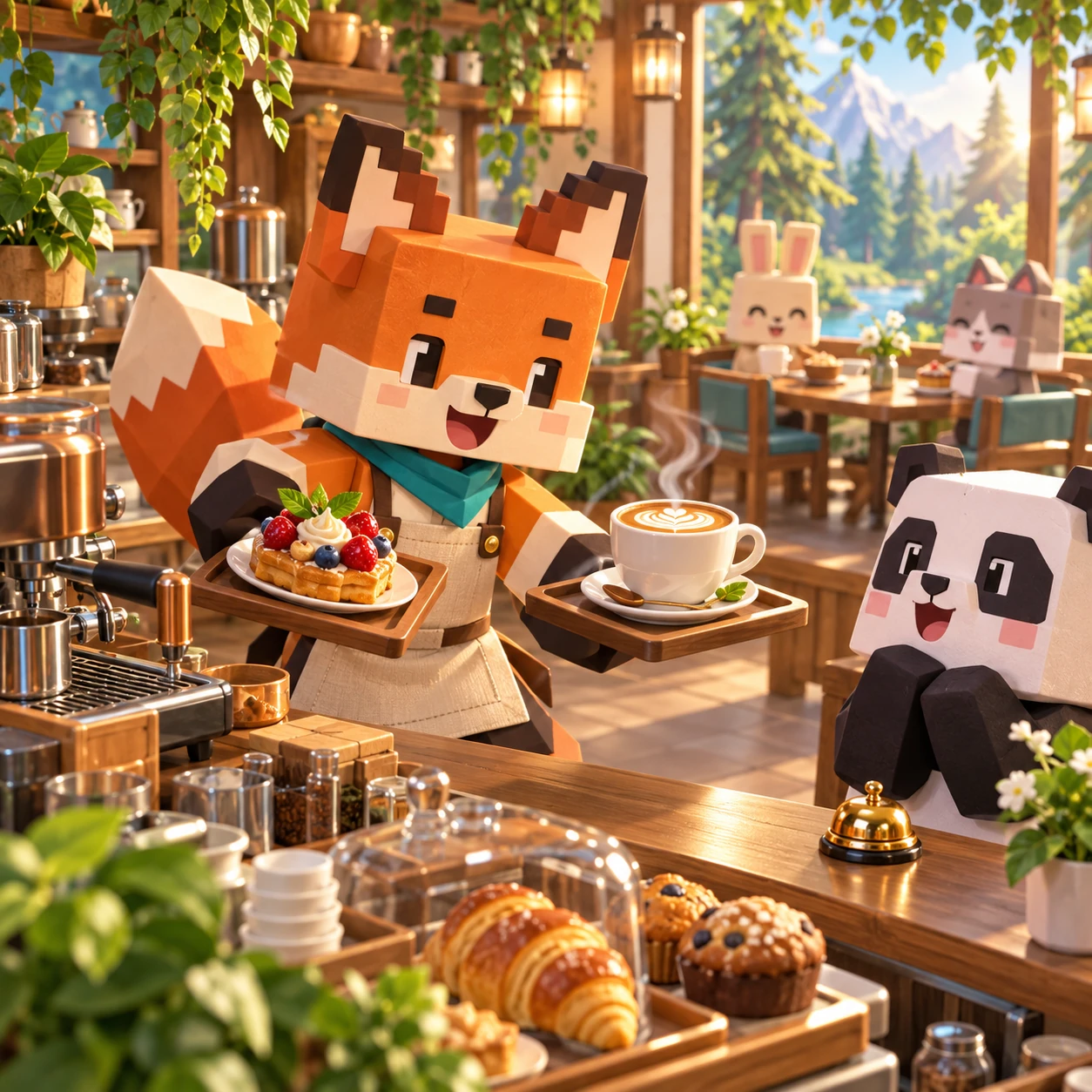
The WeightPlay animals have opened a woodland art room and left twelve pages ready for color. Each finished picture becomes part of the local gallery, so the goal is personal expression rather than winning or losing.

遊戲系統

Fill colors one enclosed region at a time. Brush draws inside the artwork with adjustable size, and the eraser removes brush strokes. Undo and redo step through recent changes; Clear starts the current page again after confirmation.

Completed artwork can be saved to the gallery stored on this device. Opening another page keeps saved gallery pieces separate, and the player can revisit the studio without an account.

玩法說明

  1. Choose one of the twelve animal pages.
  2. Pick a color and select Fill or Brush.
  3. Tap a region to fill it, or draw with a finger, mouse, or stylus.
  4. Use Undo, Redo, Eraser, or Clear as needed, then save the finished picture.

策略提示

  • Fill large regions first and add brush details afterward.
  • Use a smaller brush near narrow outlines.
  • Undo a mistake instead of clearing the whole page.
  • Try contrasting nearby colors to keep shapes easy to read.

關卡與難度成長

There are no locked levels or difficulty gates. The twelve pages offer different silhouettes and region sizes, letting players move from broad simple areas to pictures with smaller details in any order.

開發設計理念

The studio deliberately has no timer, score, failure screen, or competitive ranking. Large tools and bounded fill regions support touch screens, while brush input also works with mouse or stylus. Artwork and gallery data stay in the current browser.

家長說明

This Kids activity is ad-free and requires no account. Saved pictures remain on the current device and are not uploaded by the game. It is a creative play space, not an art assessment.

常見問題

Is there a correct color?
No. Every palette choice is allowed.
What is the difference between Fill and Brush?
Fill colors one bounded region; Brush draws a free stroke.
Can I undo a mistake?
Yes. Undo and redo are available.
Is there a time limit?
No.
Where is the gallery saved?
Only in the current browser on this device.
Does the game upload drawings?
No.

Animal Coloring Studio

A no-fail creative coloring game for short, calm play. Progress is stored only in this browser.

Loading studio0%