Road Crosser

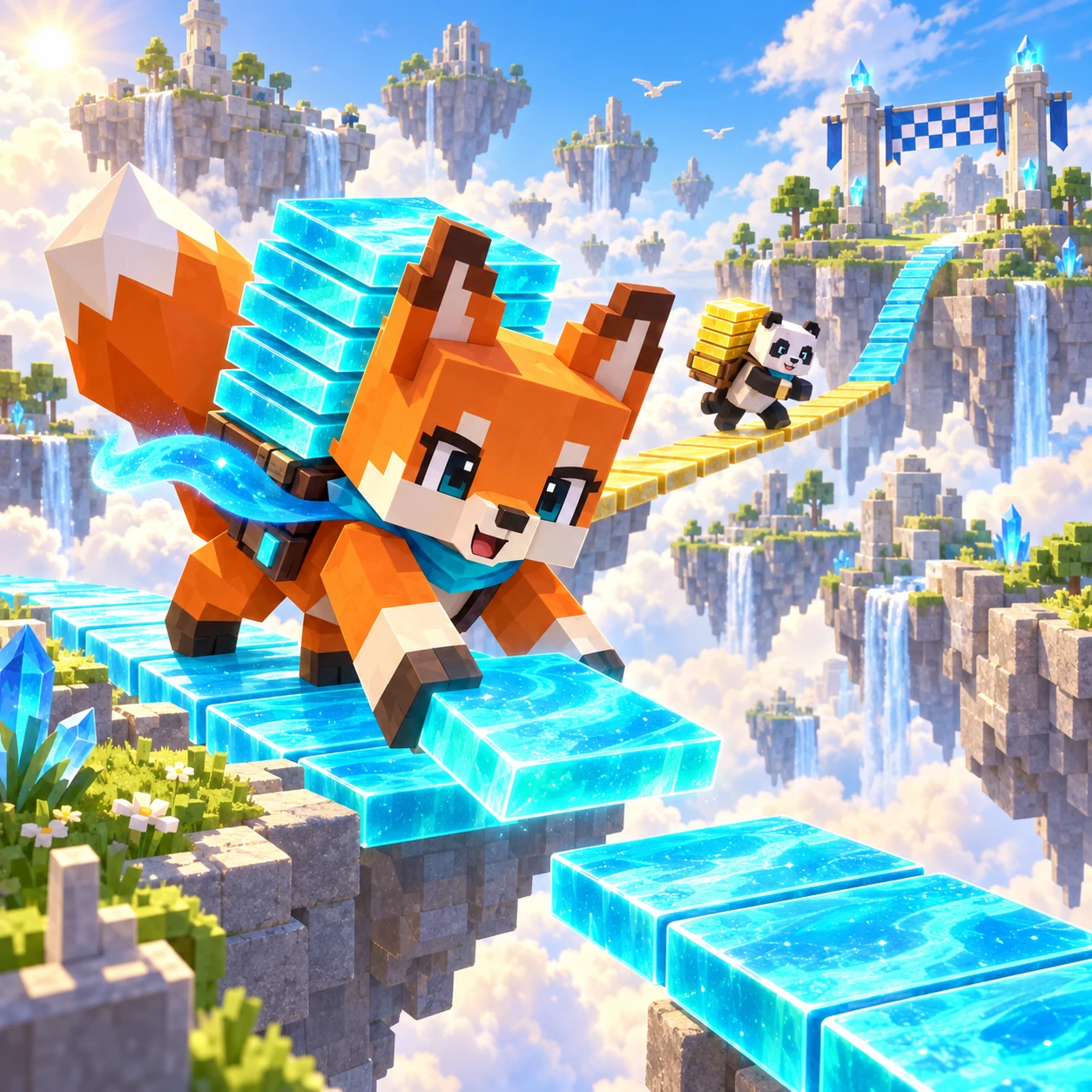
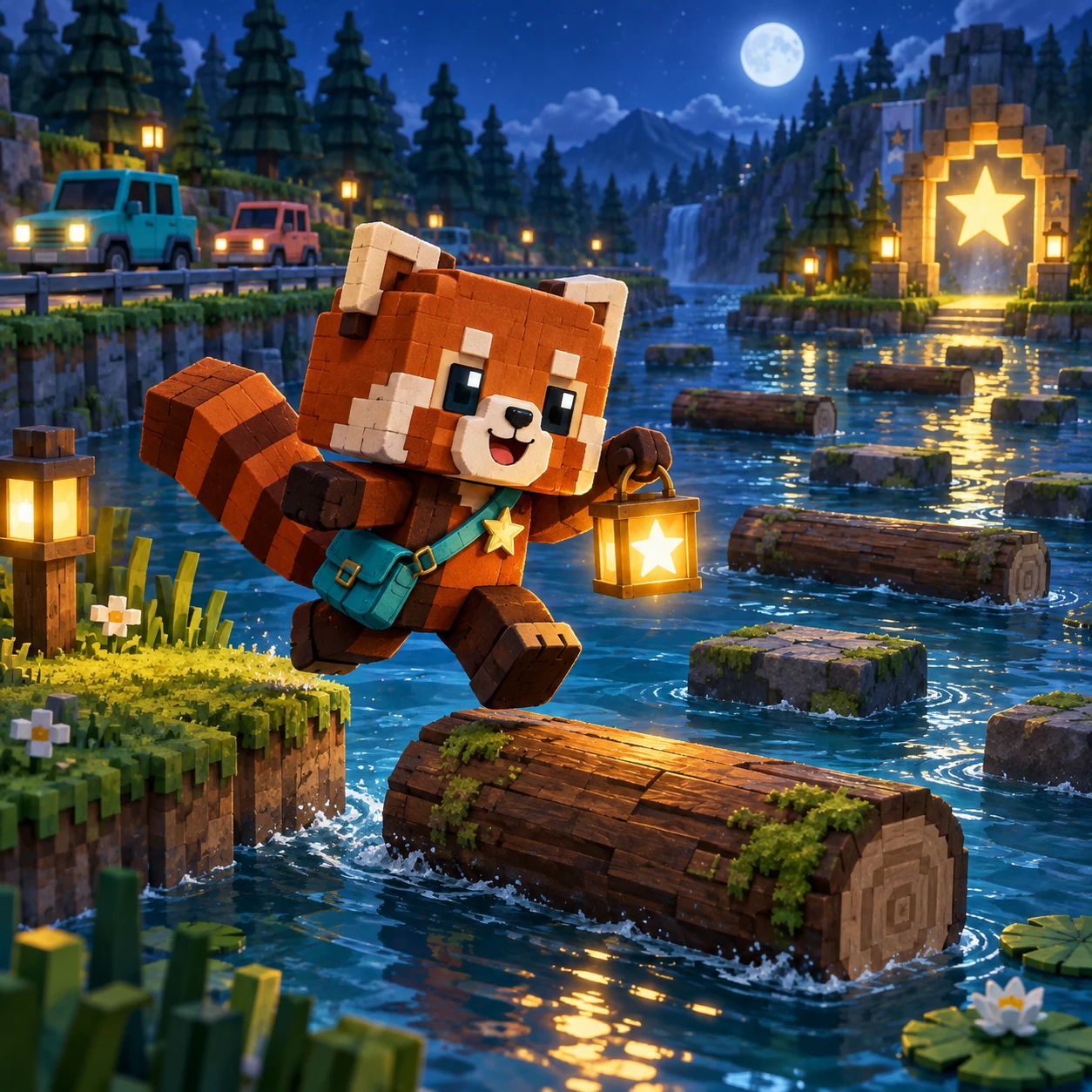
Road Crosser game artwork

Coming Soon

Guide the little Star Runner across traffic, river currents, and moving sky-roads. Three crossings build from a readable rhythm into a tight timing test.

How to play

Make one safe step at a time.

Controls

  1. Use arrow keys or WASD to move one lane.
  2. Swipe or tap the direction pads on mobile.
  3. Watch car lanes and float on a moving log in the river.

Crossing rhythm

Stage 1 teaches the route. Stages 2 and 3 add denser traffic, faster water, rocks, and tighter safe windows.

This owner-preview build stays Coming Soon until the full Tester, Gameplay Reviewer, and Director gates are complete.

WeightPlay Original Game Guide

Road Crosser

Road Crosser is an original WeightPlay timing arcade game. Guide the Star Runner through traffic lanes, a moving river, and three crossings that tighten the safe windows without copying another game's art, code, or exact presentation.

GameplayTiming Crossing Arcade
GenreClassic · Arcade · Action
DifficultyEasy to Challenging
Estimated Play Time1-4 minutes per run
Skills TrainedTiming · Focus · Adaptation

World and Mission

The Star Runner is carrying a small signal light across a night route. Cars move in readable pulses, river logs follow their own currents, and every safe step reveals the next timing decision.

How the Systems Work

The runner moves one lane per input. Cars are hazards, logs carry the runner, water removes an unsupported runner, and rocks block later routes. A complete crossing advances to the next authored stage.

How to Play

  1. Use arrow keys or WASD on desktop, or swipe and tap the direction pad on mobile.
  2. Watch one traffic lane at a time and move only when the next space is safe.
  3. In the river, land on a moving log and stay centered as it carries you.
  4. Reach the Star Gate across all three stages; collision, water, or an off-screen current ends the run.

Strategy Tips

  • Observe one full vehicle cycle before committing to a long crossing.
  • Use short steps to pause between traffic lanes.
  • On logs, plan for the current instead of fighting it with repeated taps.
  • Later stages reward patience because faster does not always mean safer.

Campaign and Difficulty Growth

Stage 1 teaches the road and river rhythm. Stage 2 adds denser traffic and rocks. Stage 3 combines faster water, more vehicles, and tighter safe windows.

Developer Design Note

Road Crosser borrows the broad timing-and-crossing idea of classic arcade games while using WeightPlay's own Star Runner, night-route palette, authored hazards, copy, controls, and geometry. The complete interface uses one centered logical layout with a 920-pixel maximum. Phone, landscape, and desktop views scale the same controls, hit areas, artwork, and game coordinates together instead of stretching individual pieces. Touch, mouse, and keyboard therefore act on the same legal state. The Main poster and Start Game action remain separate from Stage management, while Stage selection, Battle, dialogs, and Result keep their own bounded content and return path.

Parent Note

This public game has no account, purchase, chat, leaderboard, or advertising flow. Score and Best stay in the current browser. You can play without creating an account. Progress is saved in local browser storage on the current browser profile, not in an online account or cross-device database. Clearing site data, using private browsing, changing browsers, or moving to another device can create a separate save or remove the existing one. Language, sound, and reduced-motion preferences follow the shared WeightPlay controls when the browser permits storage. No guide result is a medical, school, or professional assessment.

FAQ

What ends a run?
A vehicle collision, falling into the river, or being carried off the playfield ends the run.
Does the river move randomly?
No. Its logs follow visible, repeatable speed patterns.
Which controls work?
Arrow keys, WASD, touch swipe, and the visible mobile direction pad.
Is progress saved?
Only the local Best score is saved in this browser.
Which controls and screen sizes are supported?
The same rules support touch, mouse, and keyboard where the game uses those inputs. The interface scales as one logical layout across the required phone, landscape, and desktop viewports.
Can progress move automatically to another device?
No. This game currently saves to local browser storage only, so another browser profile or device begins with its own separate local progress unless a future account system is added.