
Puzles de Capas

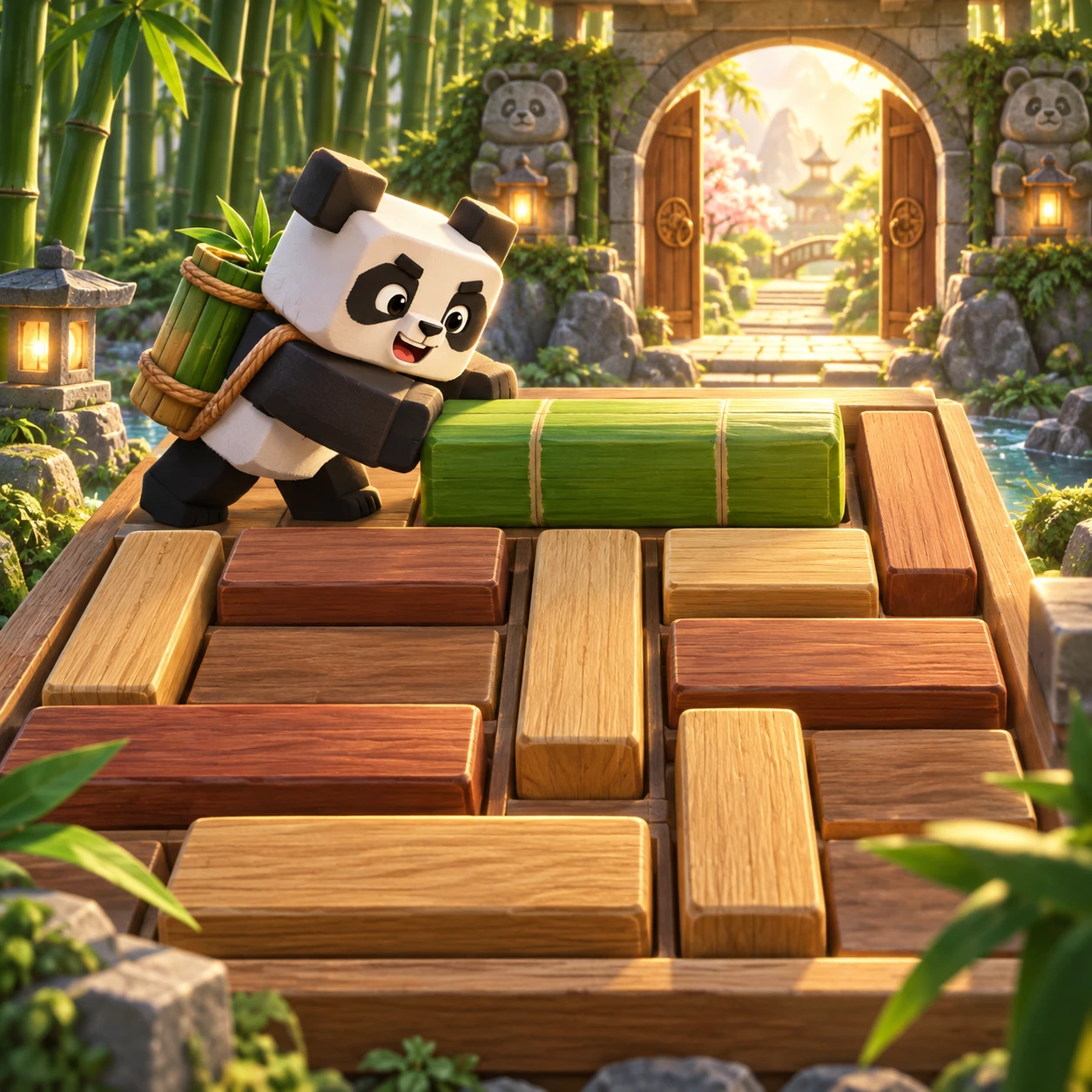
Imagen del juego Puzles de Capas

Lee pistas parciales, cambia el orden de las capas transparentes y gira las piezas marcadas para reconstruir cada hábitat. Los 30 puzles pasan de tres a cinco capas.

Cleared 0 / 30

Puzles de Capas

Treinta puzles diseñados en seis arcos. Reordena hasta cinco capas transparentes y gira las piezas marcadas mientras compruebas las pistas parciales.

Edad recomendada6+
DificultadTranquila al principio; más desafiante después
Tiempo estimado3–5 minutos por visita
HabilidadesLógica · Resolución de problemas · Atención

How to play

The central board is your current construction, not the answer. Each numbered row and lettered column names a square. Select a layer thumbnail to outline its entire footprint, including currently hidden squares. Lower card numbers are nearer the front. Select a card, then use the shared up and down arrows to move that layer one position. A solid square hides every layer behind it; a transparent square reveals the first solid square underneath. The miniature silhouettes always show the current orientation. On later stages, a circular-arrow control rotates only its marked layer clockwise by a quarter turn. Selection and inspection are free. Undo restores the previous arrangement without returning an already spent move.

Read the clues

A coordinate clue such as B2 → ◆ constrains just one visible square; it does not tell you the complete arrangement. A whole-scene clue counts all visible squares with its symbol. Row and column clues count only their named line. Hidden squares do not contribute to any count. All clues must hold together. Checking evaluates the scene you built rather than comparing your list against a stored answer order. A correct count can still coexist with a wrong coordinate, so inspect the entire set. After an unsuccessful check, the unmet clues and relevant cells are highlighted. Change the scene to clear that feedback. Checking never removes lives or deducts moves.

Thirty new puzzles

The first five puzzles introduce occlusion with three layers. Stages 6–10 add a fourth layer and visible counts. Stages 11–15 permit one marked layer to rotate; 16–20 require thinking about two independent rotations and line counts. Stages 21–25 use five layers, and 26–30 combine five layers with two rotatable pieces. These are thirty fixed, reproducible puzzles, not a newly randomized answer after each reset. Later puzzles have more possible constructions and overlapping constraints. Completing a puzzle unlocks the next one; already completed puzzles remain replayable. There is no compulsory timer or move limit. Take as long as needed to form and test a hypothesis.

Saves and replay

This rebuilt campaign uses a separate local save. The older sorting campaign is not deleted and is not silently treated as thirty solved new puzzles. Completion, best move counts and earned stars are stored on this browser when storage is available. Private browsing, storage restrictions or clearing site data can prevent persistence; the game remains playable for the current session. There is no account or cloud synchronization in this game. A clear earns one star; clearing without a hint earns two; an unassisted clear within the displayed post-result efficient-move threshold earns three. Reset and Undo do not erase spent moves or hint use, so a record cannot be improved merely by hiding previous attempts. Replay begins a fresh attempt.

Reasoning tips

Begin with a clue shared by two competing layers and ask which must be closer to the viewer. Then check whether that choice breaks a count elsewhere. Inspect silhouettes before rotating: rotating a single layer changes its footprint but never moves the other layers. Try a reversible experiment when uncertain and use Undo to compare. A hint explains the reasoning method; it does not place a layer or reveal a final order. The optional stars are a replay challenge rather than a condition for unlocking the next stage. All controls can be reached with a keyboard as well as a pointer, and geometric symbols distinguish layers without relying only on color. Leaving requires confirmation while an attempt is active.

Información del jugador y los datos

No hace falta una cuenta ni comprar nada. Si el navegador permite guardar datos, conserva aquí las fases desbloqueadas y el mejor número de movimientos. No hay temporizador, vidas ni clasificación pública. Las estrellas y el informe de habilidades son comentarios de juego, no una prueba ni una evaluación.

OcclusionDeductionRotation

Observe before moving

Tap a clue to highlight its cells without revealing whether it is satisfied. Tap again to clear the focus. Inspect a layer to outline its complete shape, including hidden cells. Both tools are free; they neither spend a move nor use a hint.

Why the feedback moves

Only the cells whose visible layer changes receive a transition. Rotation animates the selected miniature, while the buttons stay in place. This makes cause and effect easier to compare without providing an answer. Effects stop on scene changes and when the page is hidden. Your system’s reduced-motion preference disables these tweens without changing any puzzle or score.

Puzzle questions

Is the central picture the answer?

No. It is the arrangement you are building. Coordinate and count clues constrain that picture; they do not display a complete solution.

Do covered shapes count?

No. Only the frontmost solid square at each coordinate is visible. Transparent holes reveal deeper layers; fully empty cells count as no symbol.

Why can fixing one clue break another?

A layer can cover several rows and columns at once. Focus a clue’s region, inspect competing shapes, and use Undo to compare a hypothesis.

Which actions spend moves?

A legal swap or rotation spends one move. Reset spends one only when it changes the arrangement. Inspection and clue focus are free; Undo does not refund moves.