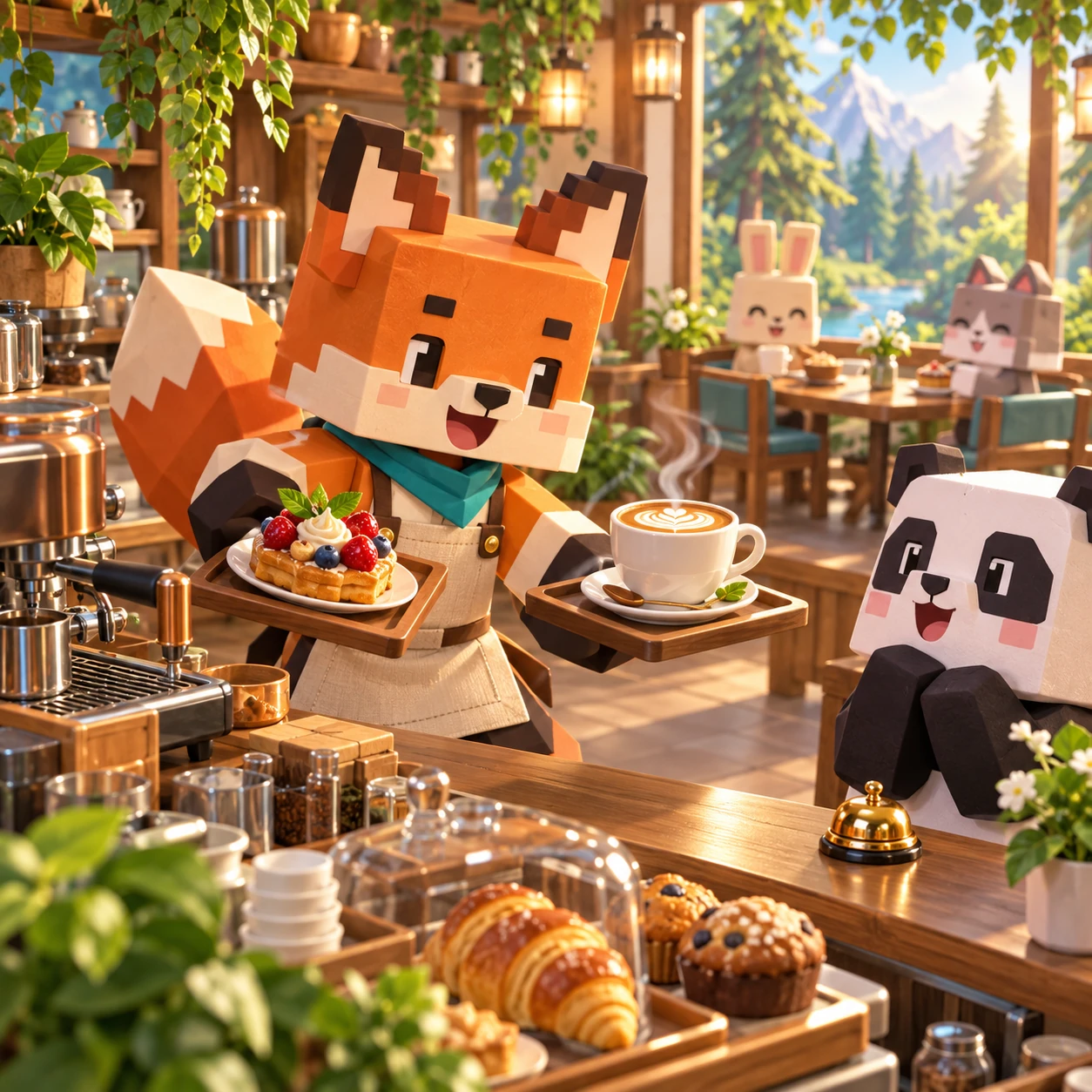
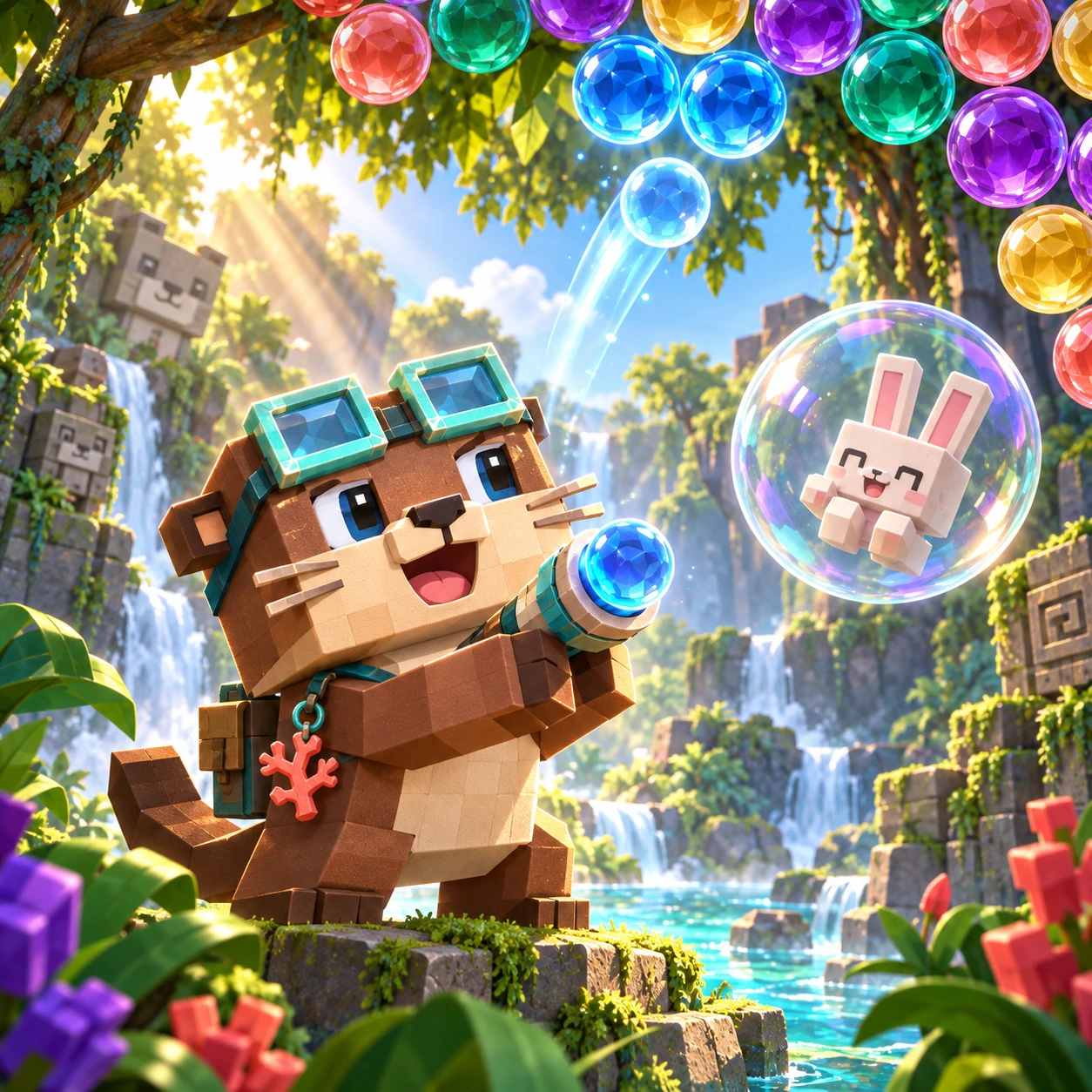
Choose an animal, pick colors, and make it yours.
- Choose
- Pick color
- Tap to color
0/12
WeightPlay Kids 게임 가이드
색칠 공부 스튜디오
12장의 오리지널 동물 그림을 영역 채우기나 자유 브러시로 색칠하세요. 실행 취소와 다시 실행을 사용할 수 있고, 완성한 그림은 이 기기의 갤러리에 저장됩니다.
게임플레이채우기 및 브러시 색상
장르Animal Coloring · Region Fill · Freehand Brush · Local Gallery
난이도Relaxed
예상 시간Open-ended
연습 능력색상 인식 · 집중력 · 손과 눈의 협응
세계와 목표
12장의 동물 그림을 원하는 색으로 꾸며 보세요. 정답 색이나 승패는 없으며, 간직할 그림은 기기 안 갤러리에 저장할 수 있습니다.
게임 시스템
영역 채우기는 경계가 닫힌 한 구역씩 색칠합니다. 브러시는 크기를 조절해 그림 안에 자유롭게 선을 그리며, 지우개는 브러시 자국을 지웁니다.
실행 취소와 다시 실행으로 최근 편집을 조정할 수 있습니다. 지우기는 확인 후 현재 그림을 초기화합니다. 저장한 그림은 이 브라우저의 갤러리에 남습니다.
게임 방법
- 12장의 동물 그림 중 하나를 고릅니다.
- 색을 선택한 뒤 채우기나 브러시를 고릅니다.
- 닫힌 영역을 눌러 채우거나 터치·마우스·펜으로 선을 그립니다.
- 필요하면 실행 취소, 다시 실행, 지우개를 사용하세요. 지우기를 확인하고 완성한 그림은 로컬 갤러리에 저장합니다.
전략 팁
- 넓은 영역을 먼저 채우고 작은 브러시 묘사는 나중에 더하세요.
- 좁은 윤곽선 가까이에서는 브러시 크기를 줄이세요.
- 작은 실수는 실행 취소를 사용하세요. 지우기는 그림 전체를 초기화합니다.
진행과 난이도
12장의 그림을 처음부터 모두 고를 수 있으며 잠긴 단계는 없습니다. 원하는 그림을 선택하고 저장된 갤러리로 언제든 돌아올 수 있습니다.
개발자 디자인 노트
영역 채우기는 닫힌 모양 안에 색을 채우고, 브러시는 크기를 조정한 자유로운 선을 그립니다. 두 도구 모두 터치와 포인터 입력을 지원합니다. 갤러리는 현재 브라우저의 이 기기에 저장됩니다. 타이머, 점수, 실패 상태, 순위표, 로그인, 업로드 기능은 없습니다.
보호자 안내
이 Kids 창작 활동에는 광고가 없고 계정도 필요하지 않습니다. 저장한 그림은 이 기기에 남으며 게임이 업로드하지 않습니다. 자유롭게 표현하는 놀이 공간이지 미술 평가가 아닙니다.
자주 묻는 질문
- 그림은 몇 장인가요?
- 오리지널 동물 그림 12장이 있습니다.
- 채우기와 브러시는 어떻게 다른가요?
- 채우기는 닫힌 영역을 색칠하고 브러시는 그림 안에 자유로운 선을 그립니다.
- 편집을 취소하거나 다시 실행할 수 있나요?
- 네. 최근 편집은 실행 취소와 다시 실행이 가능합니다.
- 지우기를 누르면 현재 그림이 없어지나요?
- 확인하면 현재 그림이 초기화됩니다.
- 저장한 그림은 어디에 있나요?
- 이 기기의 현재 브라우저 갤러리에 있습니다.
- 그림이 업로드되나요?
- 아니요. 그림을 업로드하지 않으며 계정도 필요하지 않습니다.