BUS JAM
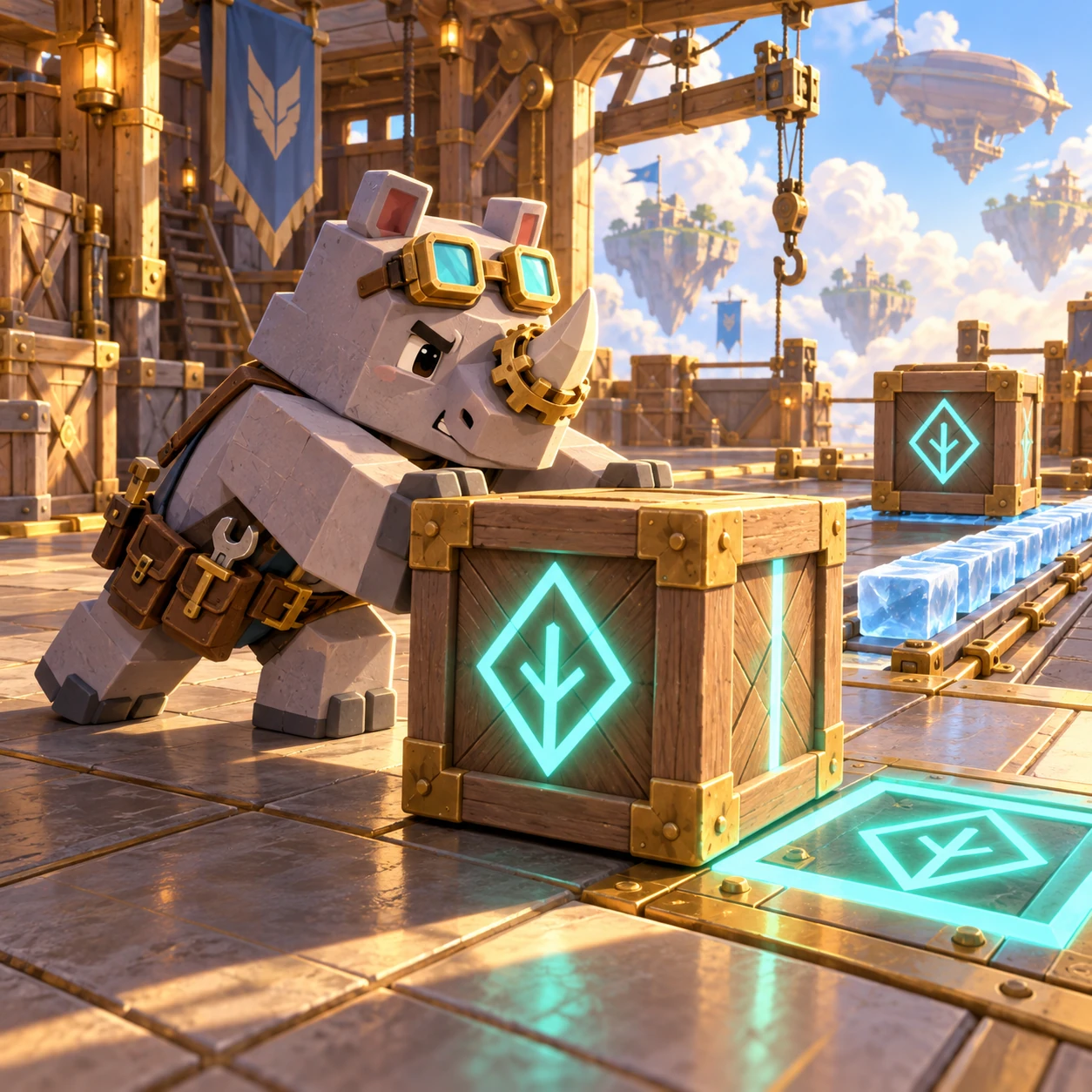
Panko's Bus Jam game artwork

NIGHT TERMINAL CONTROL

Panko's Bus Jam

Read the convoy order, route each queue, and keep the holding lane from locking up.

How to play

Only the first bus accepts passengers. A wrong color waits in the holding lane, in order. If that lane blocks before the active bus is filled, the terminal deadlocks.

  1. Check the active bus and its remaining seats.
  2. Dispatch only the front passenger of a queue.
  3. Use Undo before the holding lane becomes blocked.

BUS JAM

DEPARTURE ORDER
HOLDING LANE

TERMINAL CLEARED

Every convoy departed!

!

ROUTE LOCKED

The holding lane is blocked

The active bus cannot be filled from the exposed passengers. Undo the last dispatch or restart.

LEAVE TERMINAL?

Return to terminal selection?

WeightPlay Original Game Guide

Panko's Bus Jam

Read the fixed departure order, expose the right passengers, and keep a limited first-in-first-out holding lane from locking the terminal.

GameplayConvoy and Holding-Lane Strategy
GenrePuzzle · Strategy · Animal
DifficultyEasy to Challenging
Estimated Play Time2-8 minutes per stage
Skills TrainedLogic · Planning · Problem Solving

World and Mission

Thirty night terminals are operating at capacity. Only the active bus can board passengers, while every other color must wait in the holding lane in the exact order dispatched.

Every decision is visible: the complete convoy, each queue, the active bus seats, and every occupied holding space. Failure comes from a route choice, not hidden traffic or a timer.

How the Systems Work

Only the front passenger of a queue can move. A matching passenger boards the active bus immediately.

A nonmatching passenger enters the holding lane. Its first passenger must be cleared before anyone behind it can board.

When the active bus fills, it departs and the next bus becomes active. Matching passengers at the front of the holding lane board automatically.

If the holding lane is full and no exposed passenger can complete the active route, the terminal deadlocks. Undo restores the exact prior state; Restart restores the authored terminal.

How to Play

  1. Select an unlocked terminal.
  2. Read the active bus, its remaining seats, and the next buses in the convoy.
  3. Compare every queue front before sending a future color into the holding lane.
  4. Fill every bus without deadlocking the holding lane to unlock the next terminal.

Strategy Tips

  • Treat each holding space as a scarce resource, not free storage.
  • Before sending a future color, check whether it will become the front blocker.
  • Expose the active color first whenever the holding lane is nearly full.
  • Use Undo as soon as a dispatch changes the holding order you planned.

Campaign and Difficulty Growth

Terminal 1 teaches the flow. From Terminal 2 onward, wrong routes can create a real deadlock.

Later chapters add a fourth route, longer convoys, more queues, repeated bus colors, and a two-space holding lane instead of repeating the same three-bus layout.

Developer Design Note

The four routes use both color and letter codes. The fixed convoy, FIFO holding lane, deterministic queues, and verified solution path define one readable strategy puzzle on phone and desktop. The complete interface uses one centered logical layout with a 920-pixel maximum. Phone, landscape, and desktop views scale the same controls, hit areas, artwork, and game coordinates together instead of stretching individual pieces. Touch, mouse, and keyboard therefore act on the same legal state. The Main poster and Start Game action remain separate from Stage management, while Stage selection, Battle, dialogs, and Result keep their own bounded content and return path.

Parent Note

The game is a General-audience untimed strategy puzzle. It has no account, purchase, or public leaderboard. Local clears remain in this browser. You can play without creating an account. Progress is saved in local browser storage on the current browser profile, not in an online account or cross-device database. Clearing site data, using private browsing, changing browsers, or moving to another device can create a separate save or remove the existing one. Language, sound, and reduced-motion preferences follow the shared WeightPlay controls when the browser permits storage. No guide result is a medical, school, or professional assessment.

FAQ

Can I dispatch from the middle of a queue?
No. Only each exposed front passenger can move.
Why did a passenger enter the holding lane?
Only the active bus boards; every future route waits in dispatch order.
Why did the terminal deadlock?
The holding order blocked the active route and no exposed passenger could clear it.
Are all terminals solvable?
Yes. All thirty recorded solution paths are checked automatically.
Which controls and screen sizes are supported?
The same rules support touch, mouse, and keyboard where the game uses those inputs. The interface scales as one logical layout across the required phone, landscape, and desktop viewports.
Can progress move automatically to another device?
No. This game currently saves to local browser storage only, so another browser profile or device begins with its own separate local progress unless a future account system is added.